Google Chrome is a very popular browser but as other browsers it needs to be managed as well. One great reference for how to secure and configure Google Chrome is the Security Technical Implementation Guide (STIG) which can be found here:
Google Chrome Current Windows Security Technical Implementation Guide (stigviewer.com)
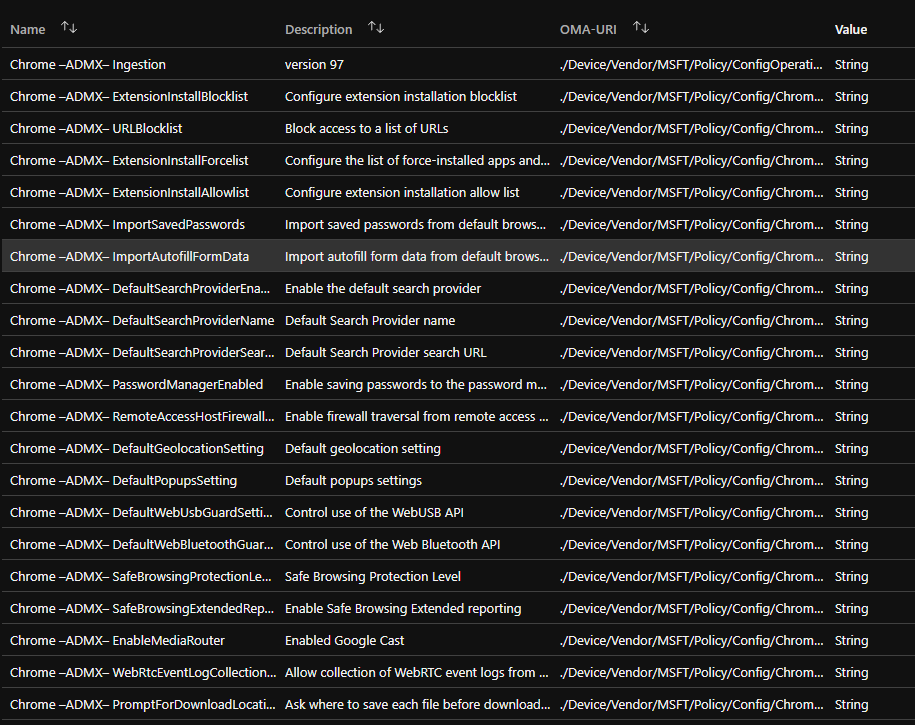
I have created a Custom policy based on v.97 of the ADMX and the 2021-11-19 STIG release. It can be downloaded from here: https://github.com/Ccmexec/
The configuration profile can be imported using the sample script at Github to import configuration profiles: powershell-intune-samples/DeviceConfiguration_Import_FromJSON.ps1 at master · microsoftgraph/powershell-intune-samples · GitHub
Not all settings fits on the same page, there are 42 settings + the ADMX ingestion step
I plan to keep this configuration profile updated when new STIG is released or settings change name location in newer .ADMX files. In version v98 of the Google Chrome .admx files there was no such changes.